
Monitors
219 productsMonitors for the office, home working, design and gaming, from 22-inch everyday screens to large curved ultrawides and 4K displays.

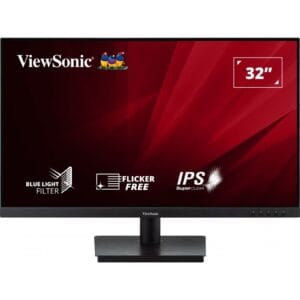
Viewsonic 32 Inch IPS Frameless Monitor (VA3209-MH), 32in, HD
- 32" screen
- Full HD 1080p
- 75Hz refresh rate
- IPS panel
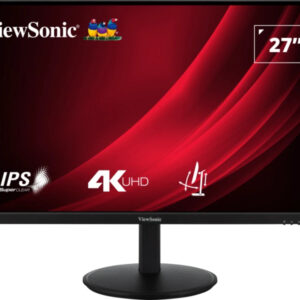
ViewSonic Led Monitor Vg2708-4k 27-inch 16:9 1920x1080 5ms 1300:1 Hdmi 5y War
- 27" screen
- 4K Ultra HD
- 60Hz refresh rate
- IPS panel
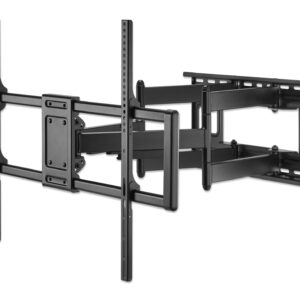
Manhattan Tv/monitor Wall Mount Full- Motion 65-inch Vesa To 400x400 50kg
- 20" screen
- Maximum weight capacity: 120 kg
- Maximum screen size: 3.05 m (120")
- Minimum VESA mount: 200 x 200 mm
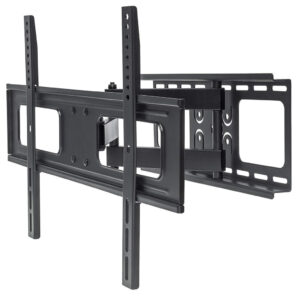
Manhattan Tv/monitor Wall Mount Full- Motion 65-inch VESA To 400x400 50kg
- Maximum weight capacity: 50 kg
- Number of displays supported: 1
- Maximum screen size: 177.8 cm (70")
- Minimum VESA mount: 200 x 200 mm
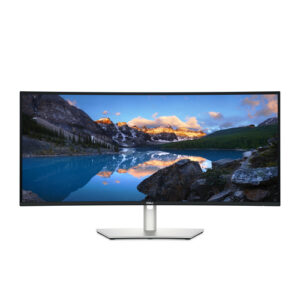
Dell Ultrasharp 34 Curved Thunderbol Grade 1 Box Damaged Only
- 34.1" screen
- Ultrawide
- 120Hz refresh rate
- IPS panel
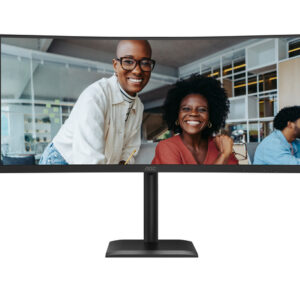
AOC Monitor 34-inch VA UWQHD21:9 180Hz 3440x1440 0.5 Ms
- 34" screen
- Ultrawide
- 180Hz refresh rate
- VA panel
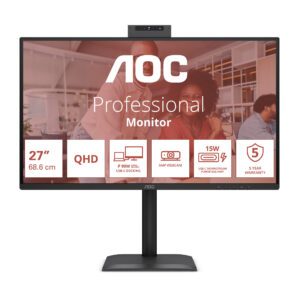
AOC Monitor 27-inch IPS Qhd16:9 120Hz 2560x1440 HDMI
- 27" screen
- QHD 1440p
- 120Hz refresh rate
- IPS panel
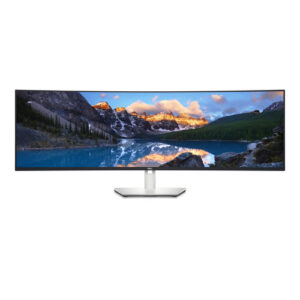
Dell Ultrasharp 49 Curved Mntr U4924dw 124.5cm (49)
- 49" screen
- 5K and above
- 60Hz refresh rate
- IPS panel
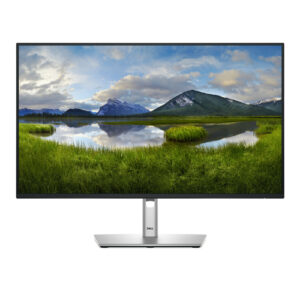
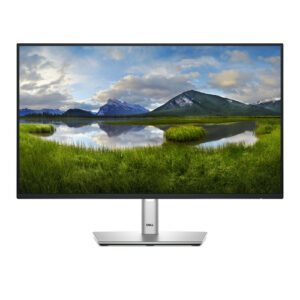
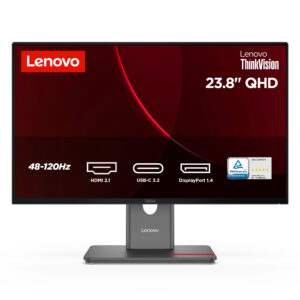
Lenovo ThinkVision P24q-40 23.8-inch WLED 2560x1440 16:9 4ms 1500:1 HDMI
- 23.8" screen
- QHD 1440p
- 120Hz refresh rate
- IPS panel
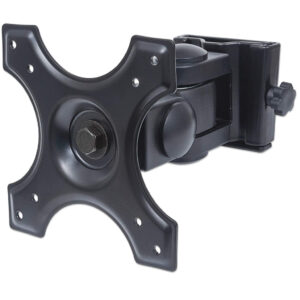
Manhattan Tv/monitor Wall Mount Tilt/swiv -13-27-inch VESA To 100x100mm 15kg
- 13" screen
- 5K and above
- Maximum weight capacity: 12 kg
- Minimum screen size: 33 cm (13")
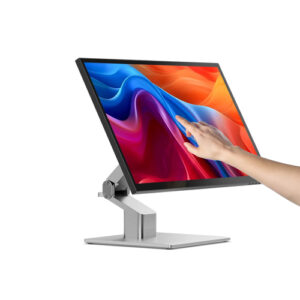
Alogic Clarity 27-inch 5k Monitor With Pd And Touch Screen With Fo
- 27" screen
- 5K and above
- 60Hz refresh rate
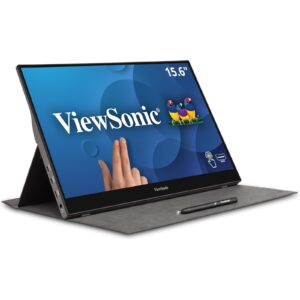
Viewsonic TD1655 16-Inch USB-C Multi-Touch, IPS Portable Monitor, 1920x1080, 60Hz, Mini HDMI
- 16" screen
- Full HD 1080p
- 60Hz refresh rate
- IPS panel
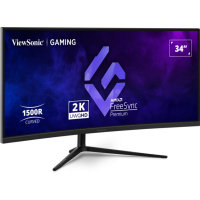
Viewsonic 34 Inch UWQHD Ultrawide Quad HD 180Hz Curved Gaming Monitor with 1ms Response Time (VX3418C-2K)
- 34" screen
- Ultrawide
- 180Hz refresh rate
- VA panel
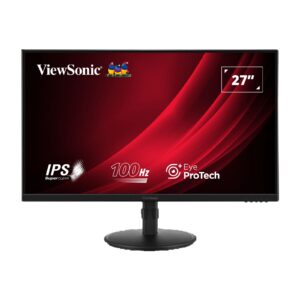
Viewsonic 27 Inch IPS Monitor (VA2708-HDJ), 27in, FHD
- 27" screen
- Full HD 1080p
- 100Hz refresh rate
- IPS panel
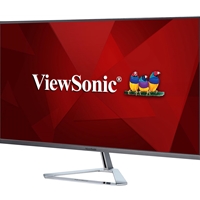
ViewSonic mhd-2 31.5 Inch QHD Monitor (VX3276-2K-MHD-2)
- 32" screen
- QHD 1440p
- 75Hz refresh rate
- IPS panel
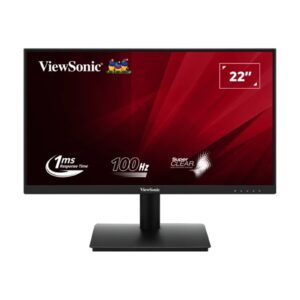
Viewsonic 22-Inch Full HD Monitor (VA220-H), FHD
- 22" screen
- Full HD 1080p
- 100Hz refresh rate
- VA panel
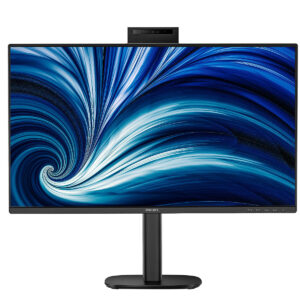
Philips Monitor 27 16:9 120Hz 2560x1440 Hdmix2 Dpx1
- 27" screen
- QHD 1440p
- 120Hz refresh rate
- IPS panel
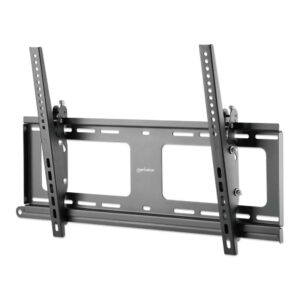
Manhattan Outdoor Tv/monitor Wall Mount- Tilt 37-65-inch VESA To 400x400mm
- Maximum weight capacity: 80 kg
- Number of displays supported: 1
- Maximum screen size: 2.18 m (86")
- Minimum VESA mount: 200 x 200 mm
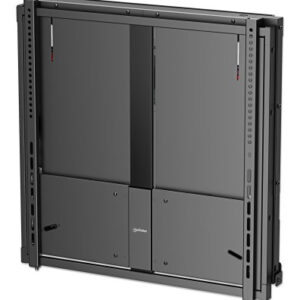
Manhattan Tv/monitor Wall Mount Height Adjust 55-75-inch To 600x600mm 65kg
- 5K and above
- Maximum weight capacity: 65 kg
- Number of displays supported: 1
- Maximum screen size: 190.5 cm (75")
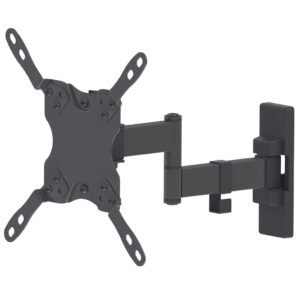
Manhattan Tv/monitor Wall Mount Full- Motion 42-inch VESA To 200x200 20kg
- 42" screen
- Maximum weight capacity: 20 kg
- Number of displays supported: 1
- Maximum screen size: 106.7 cm (42")
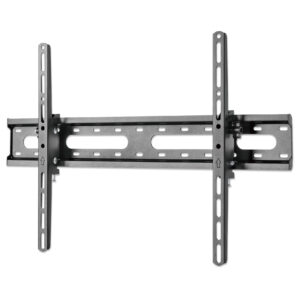
Manhattan Tv/monitor Wall Mount Tilt-37-65-inch VESA To 600x400mm 4
- Maximum weight capacity: 45 kg
- Number of displays supported: 1
- Maximum screen size: 177.8 cm (70")
- Minimum VESA mount: 200 x 200 mm
Showing 1–24 of 219
How to choose a monitor
Size and resolution
- 24-inch Full HD (1920 x 1080) is a solid, affordable choice for office work.
- 27-inch QHD (2560 x 1440) gives noticeably sharper text and more space for two windows side by side.
- 4K (3840 x 2160) suits photo and video work, or anyone who wants the sharpest text.
- 34-inch ultrawide screens replace a two-monitor setup with one curved display.
Panel type
IPS panels give the most accurate colours and the widest viewing angles. VA panels have deeper blacks and strong contrast. For general office work either is fine.
Connections
Check that the monitor has an input your computer has: HDMI, DisplayPort or USB-C. A USB-C monitor with power delivery can charge a laptop and carry its display over a single cable, which keeps a desk tidy.
Refresh rate
60Hz is fine for office work. 100Hz or 120Hz makes scrolling and moving windows feel smoother. 144Hz and above is mainly for gaming.
Common questions
Will this monitor work with my laptop?
Almost certainly, as long as you have a matching port or an adapter. If your laptop only has USB-C, a USB-C monitor is the simplest option. Tell us your laptop model and we will check.
Can I mount it on an arm?
Most monitors support a VESA wall or arm mount, usually 100 x 100mm. The specification on each product page lists it.
Not sure which one is right? Call us on 01392 330 292 and we will help you choose. Every order comes with a VAT invoice, and we can set up your new device before it arrives.
Speak to a real technology team.
Tell us what you need the technology to do and we will help you choose the right specification, without the hard sell.